Kinetic Type
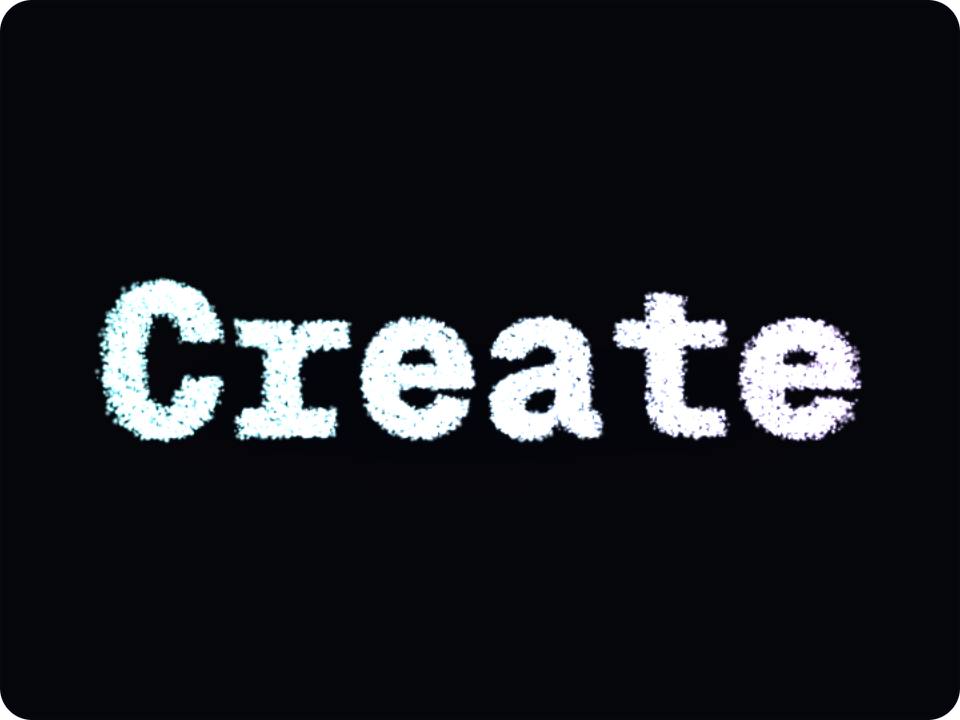
3dA word built from forty thousand particles that dissolves into the next word. Move the cursor to disturb it, click to morph.
How it works
3 stepsPreview
See the authored component running live.
Customize
Open the playground to tune its controls.
Ship
Copy the TypeScript source and install what it needs.
Runtime package
Install the requirements
These are the real runtime dependencies declared for this renderer. The product itself is not presented as a package until a published package exists.
npm install three^0.185.1 @react-three/fiber^9.7.0Product contract
- Renderer
- threejs
- Version
- Not published
- Preview
- live
- Controls
- 0 authored controls
- Source
- kinetic-type
Usage
Use the authored product, not a screenshot
This product is rendered as a live Three.js scene. The preview and exported source are driven by the same repository definition and renderer contract.
Stored product brief
A kinetic typography hero: the word is rasterised, sampled into a particle cloud and rebuilt in WebGL, then morphs into the next word through a swirl. Cursor repels and twists the particles, a click advances the sequence, and the two accent colours sweep across the word from left to right.
Source integrity
Traceable back to the registry
Registry source
kinetic-type
Public slug
kinetic-type
Renderer
threejs
Published version
Not published
Playground
Code, API, and integration
import { Canvas, useFrame } from "@react-three/fiber";
import { useRef } from "react";
import type { Group } from "three";

// Kinetic Type — SceneUI 3D export (React Three Fiber)
function Rig({ children }: { children: React.ReactNode }) {
  const ref = useRef<Group>(null);
  useFrame((_, delta) => {
    if (ref.current) ref.current.rotation.y += delta * 0.45 * 1;
  });
  return <group ref={ref} scale={1.000}>{children}</group>;
}

export function KineticType() {
  return (
    <Canvas dpr={[1, 1.5]} camera={{ position: [0, 0, 4], fov: 45 }} style={{ background: "#05060b" }}>
      <ambientLight intensity={0.35} />
      <pointLight position={[3, 3, 3]} intensity={9.0} color="#6ee7ff" />
      <pointLight position={[-3, -2, -2]} intensity={5.1} color="#a78bfa" />
      <Rig>
        {/* Paste the matching JSX for this design from the playground renderer,
            or open it in the editor and copy the live scene. */}
      </Rig>
    </Canvas>
  );
}
Related